Pattern
Repeats an element, a shape or your own file, and sets its size and position from the tones of the photo.
How Pattern works[photoshop plugin · v0.16.5]
Patterns, generative styles and layout. Everything starts from the greyscale of your image.
WGT-01 lives in a Photoshop panel, next to your layers. Inside are three tools: one repeats elements, one redraws the image, one lays out the text.
Repeats an element, a shape or your own file, and sets its size and position from the tones of the photo.
How Pattern worksTen generative styles, from dither to contour lines, on all visible layers. Four export to SVG.
The ten styles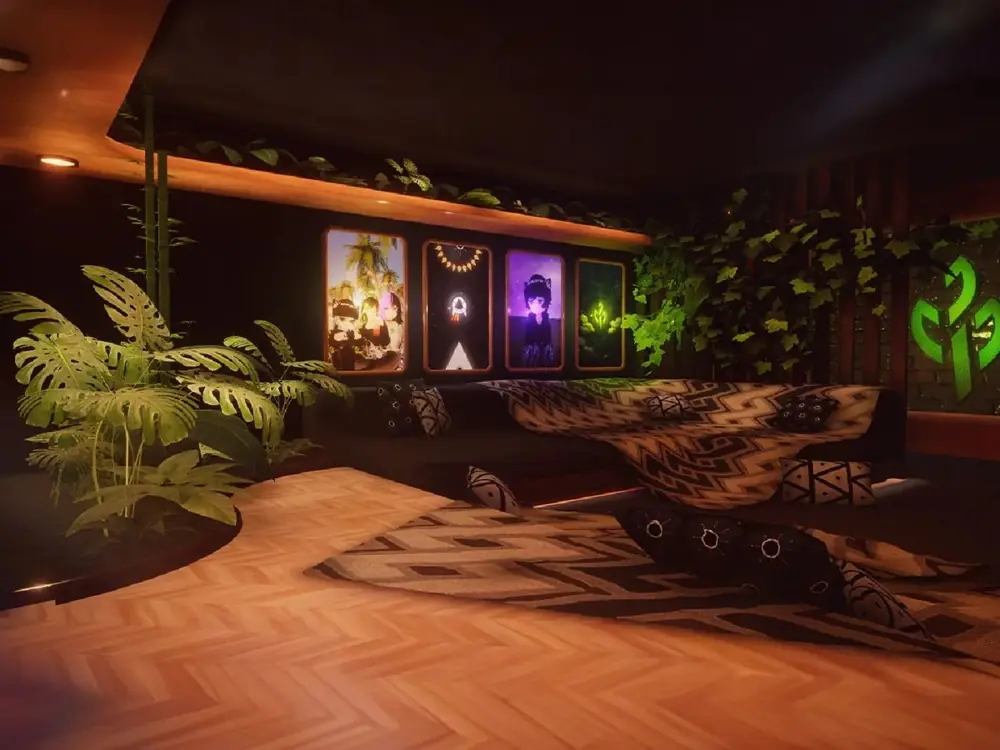
Open studio
Green room
Friday 13 November, 7 pm
Free entry
Lays out posters, posts and stories: it picks the composition, sets the text on a grid and keeps it readable over the photo.
How Type worksPick a style and drag the slider to compare it with the original. This is a light version computed in your browser: in the plugin every style has its own controls and presets.
Pattern repeats an element and sizes it by tone: it grows in the shadows and vanishes in the highlights. Switch element or upload your own.
Write a title, details and a call to action. Type recognises the format, takes colours from your brand or the photo with always-readable contrast, picks typefaces from the ones you have installed and tries six compositions that avoid the subject.
Everything on the centre axis, the text low beneath the subject.
Illustrative preview. In the plugin, measurements are calculated on your document and the text stays as editable layers.
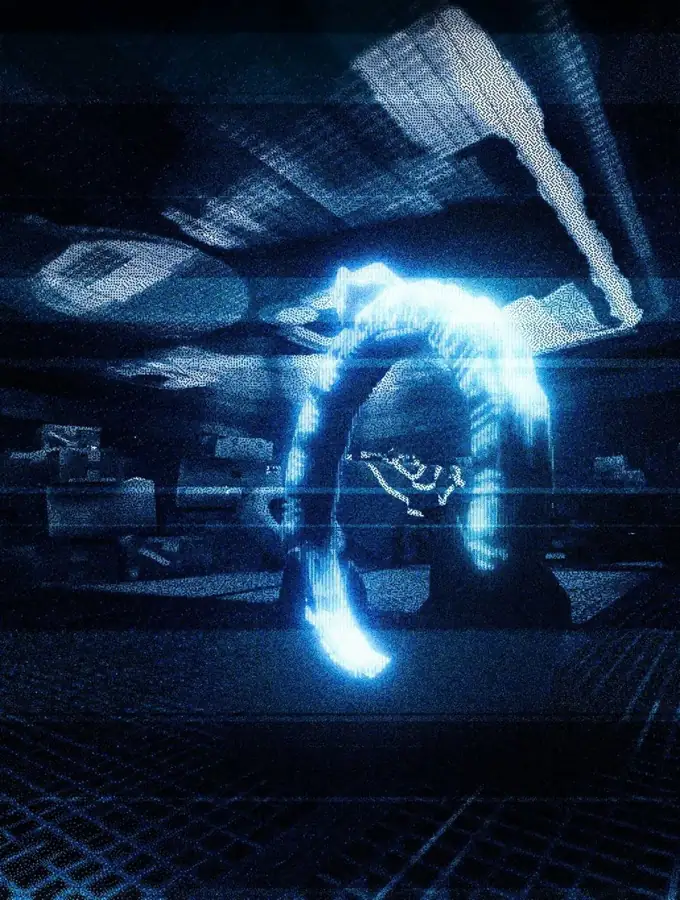
Live audio-visual
Signal lost
Saturday 14 November, 10 pm
Main hall
Free entry
Halftone, Engraving, Flow lines and Contour lines also export to SVG. What difference does it make? Zoom into the same halftone and see.
Every halftone dot is made of tiny squares. Zoom in or print large and the edges break up.
Every dot is described as a circle: centre and radius. It stays sharp at any size and you can open it in Illustrator to change it.
In print, each ink (cyan, magenta, yellow and black) has its own plate, with the screen rotated to a different angle. Halftone exports the four plates to SVG already separated, one per layer. Switch some off to see how they add up.
[3 of 10 styles · free]
Bring one of your photos to the try-it page and see it in Dither, Halftone or ASCII. Everything is computed in your browser: the photo never leaves your computer.
try-it.psd @ 100% (RGB/8)click, and the image turns into pixels